
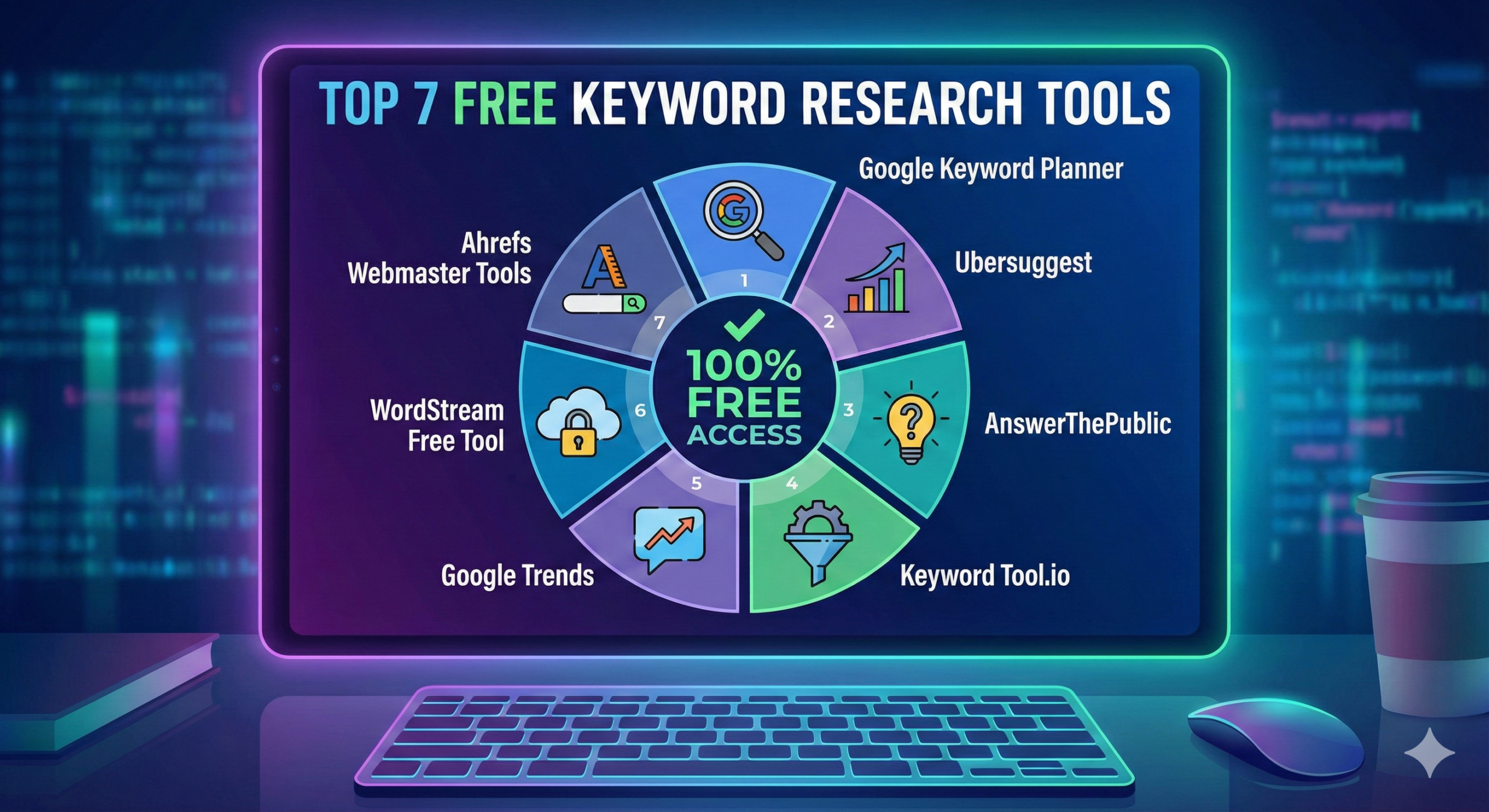
Introduction to keyword research is the first step in any successful SEO campaign. Whether you are building a new blog or optimizing an ecommerce site, finding the right keyword is crucial. In this guide, I will share the top 7 free keyword research tools for beginners that I have personally used over my 12+ years in the SEO industry. These tools will help you uncover high-volume, low-competition keywords without breaking the bank. Let’s dive into the best options available to kickstart your SEO journey today.
!
Why Keyword Research Matters?
Before we jump into the tools, you might ask: Why is keyword research so important?
Simple. It tells you what your audience is looking for.
If you write content blindly, you might target topics nobody searches for. Keyword research helps you understand the search intent—whether users want to buy, learn, or compare. By targeting the right keywords, you drive relevant traffic to your site, which leads to better conversions and sales.
Top 7 Free Keyword Research Tools
Here is a detailed breakdown of the best free tools you can use right now. I have analyzed them based on data accuracy, ease of use, and free limitations.
1. Google Keyword Planner
Google Keyword Planner (GKP) is the gold standard because the data comes directly from Google. Originally built for advertisers, it is an incredible tool for SEOs too. It helps you see monthly search volumes and competition levels. You can filter by location, language, and date range. It is perfect for finding a “seed” list of keywords.
Pros & Cons
- Pros:
- Data is 100% accurate (directly from Google).
- Completely free to use.
- Great for local SEO research.
- Cons:
- Interface can be complex for beginners.
- Search volume is often shown as a range (e.g., 1k-10k) unless you run active ad campaigns.
Premium Version
There is no premium version. It is a free feature within Google Ads, though running ads unlocks precise volume numbers.
2. AnswerThePublic
What are people actually asking? AnswerThePublic visualizes search questions in a beautiful “search cloud.” It uses Google’s autocomplete data to show you questions starting with who, what, where, when, and how. This is my go-to tool for finding long-tail keywords and blog topic ideas that answer specific user problems.
Pros & Cons
- Pros:
- Excellent for content ideation and FAQ sections.
- Visual data makes it easy to spot patterns.
- Downloadable CSV images of the data graphs.
- Cons:
- Free version is limited to 3 searches per day.
- Does not show search volume data in the free visual view.
Premium Version
The Pro plan unlocks unlimited daily searches, high-res images, and search volume data.
3. Ahrefs Keyword Generator
Ahrefs is a powerhouse in the SEO world. Their free Keyword Generator is surprisingly generous. You can pull keyword ideas for Google, Bing, YouTube, and Amazon. Ahrefs Keyword Generator shows you the top 100 keyword ideas and gives you the “Keyword Difficulty” (KD) score for the first 10 results, which is vital for beginners to know if they can rank.
Pros & Cons
- Pros:
- Accurate “Keyword Difficulty” scores.
- Supports multiple platforms (YouTube, Amazon, etc.).
- No account registration required.
- Cons:
- Limited to 100 keyword results per search.
- You cannot save or export projects in the free version.
Premium Version
The full Ahrefs suite starts at a premium monthly price, offering comprehensive site audits, backlink tracking, and unlimited keyword data.
4. Ubersuggest
Created by Neil Patel, Ubersuggest is one of the most user-friendly tools on this list. It provides a clean dashboard showing search volume, SEO difficulty, and even content ideas. For beginners, it simplifies the metrics. You can type in a domain to see what your competitors are ranking for, which is a great strategy to find “low hanging fruit.”
Pros & Cons
- Pros:
- Very intuitive and easy interface.
- Shows “Content Ideas” based on top-performing articles.
- Includes a site audit feature in the free plan.
- Cons:
- Strict daily limit of 3 free searches.
- Some advanced data is hidden behind the paywall.
Premium Version
They offer a monthly subscription or a unique “Lifetime” deal that unlocks detailed tracking, more daily searches, and competitor analysis.
5. Semrush (Free Account)
Semrush is an industry leader, and their free account gives you a taste of professional-grade data. While limited, it allows you to perform 10 searches per day. You get access to the “Keyword Magic Tool,” which categorizes keywords by topic. This is excellent for structuring your website’s silo architecture.
Pros & Cons
- Pros:
- Professional-grade data and accuracy.
- Includes access to related keywords and questions.
- Great for checking competitor traffic estimates.
- Cons:
- Limit of 10 searches per day (strict).
- You must create an account to use it.
Premium Version
The Pro and Guru plans are expensive but essential for large agencies, offering historical data, position tracking, and reporting.
6. Keyword Surfer
How about seeing data while you browse? Keyword Surfer is a free Chrome Extension. Once installed, it shows search volume and cost-per-click (CPC) data directly in your Google search results. It also suggests related terms in a sidebar. Keyword Surfer Extension is perfect for “on-the-fly” research when you are manually checking SERPs.
Pros & Cons
- Pros:
- Zero friction; works directly in Google Search.
- Completely free with no daily search limits.
- Shows word counts for top-ranking pages.
- Cons:
- Data can sometimes differ slightly from robust tools like Ahrefs.
- Only works on the Chrome browser (desktop).
Premium Version
Keyword Surfer is part of the Surfer SEO ecosystem. The premium “Surfer SEO” tool focuses on content optimization and AI writing.
7. Moz Keyword Explorer
Moz is famous for its “Domain Authority” metric. Moz Keyword Explorer tool offers a limited number of free queries per month (usually 10). The best feature here is the “Organic CTR” score, which tells you how many clicks you might actually get, considering all the ads and snippets on the page. It prioritizes data quality over quantity.
Pros & Cons
- Pros:
- “Priority Score” helps you decide which keyword to target first.
- Very clean and accurate difficulty metrics.
- Trustworthy data from an SEO pioneer.
- Cons:
- Very low limit (10 queries per month).
- You need to sign up for a free community account.
Premium Version
Moz Pro offers full access to campaigns, rank tracking, and site crawls, suitable for mid-sized businesses.
How to Choose the Right Keyword Research Tool?
With so many options, which one should you pick?
- For pure data accuracy: Use Google Keyword Planner.
- For blog ideas: Use AnswerThePublic.
- For quick checks: Use Keyword Surfer or Ahrefs Generator.
- For competitor spying: Use Ubersuggest or Semrush.
My advice is to combine 2 or 3 of these. For example, use AnswerThePublic to find a topic, then run it through Ubersuggest to check the search volume. This hybrid approach gives you the best results for free.
Conclusion
Keyword research does not have to be expensive. By using these top 7 free keyword research tools, you can build a solid SEO strategy that rivals big agencies. Remember, the goal is to find keywords with decent volume and low competition that act as a bridge between your content and your customer’s needs. Start experimenting with these tools today and watch your organic traffic grow.
Leave a Reply